How to Change WordPress Password
Here is the simple 6 steps tutorial for how to Change a WordPress password using PHPMyAdmin? also its related to how Reset WordPress password from MySQL & how to change wordpress username and password from database. For change the password using PHPMyAdmin follow the below steps.
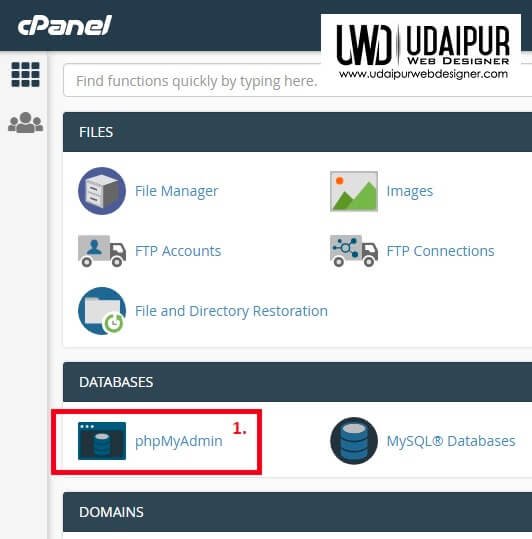
- Launch PHPMyadmin from cPanel.
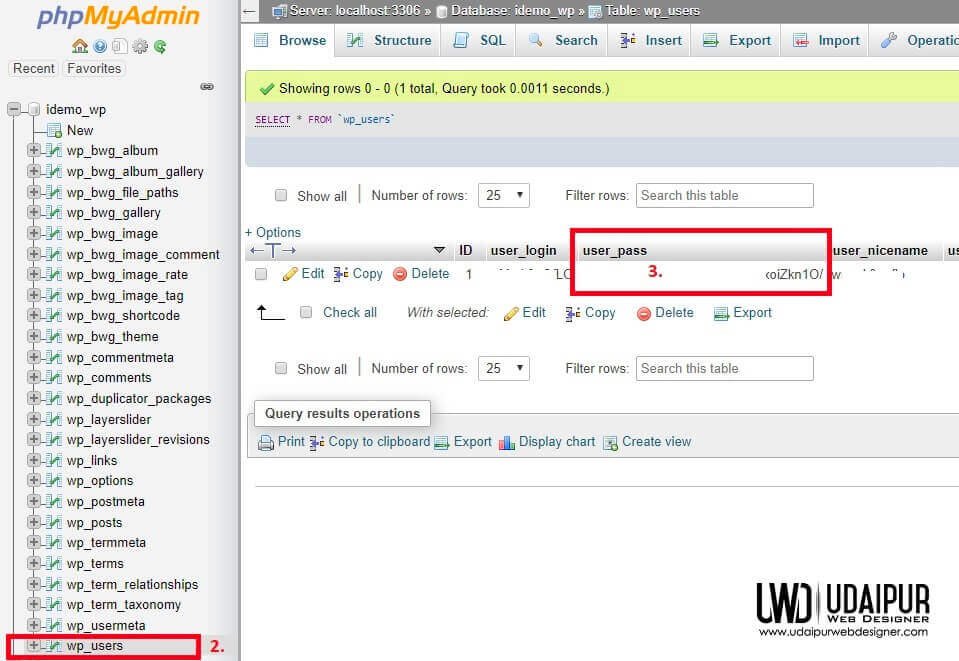
- Open wp_users table.
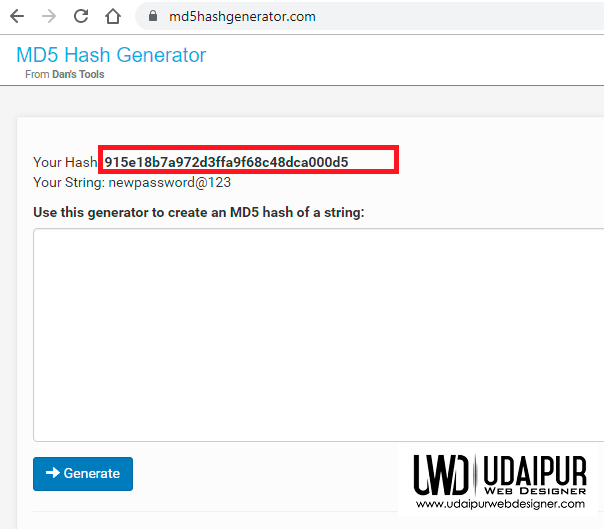
- In new tab open any md5 hash generator website like MD5 Hash Generator
- Create new hash, copy and paste into to user_pass column.
- Now Open wp panel with your new password.
attached screen shot below for reference for how to Change a WordPress password using PHPMyAdmin?