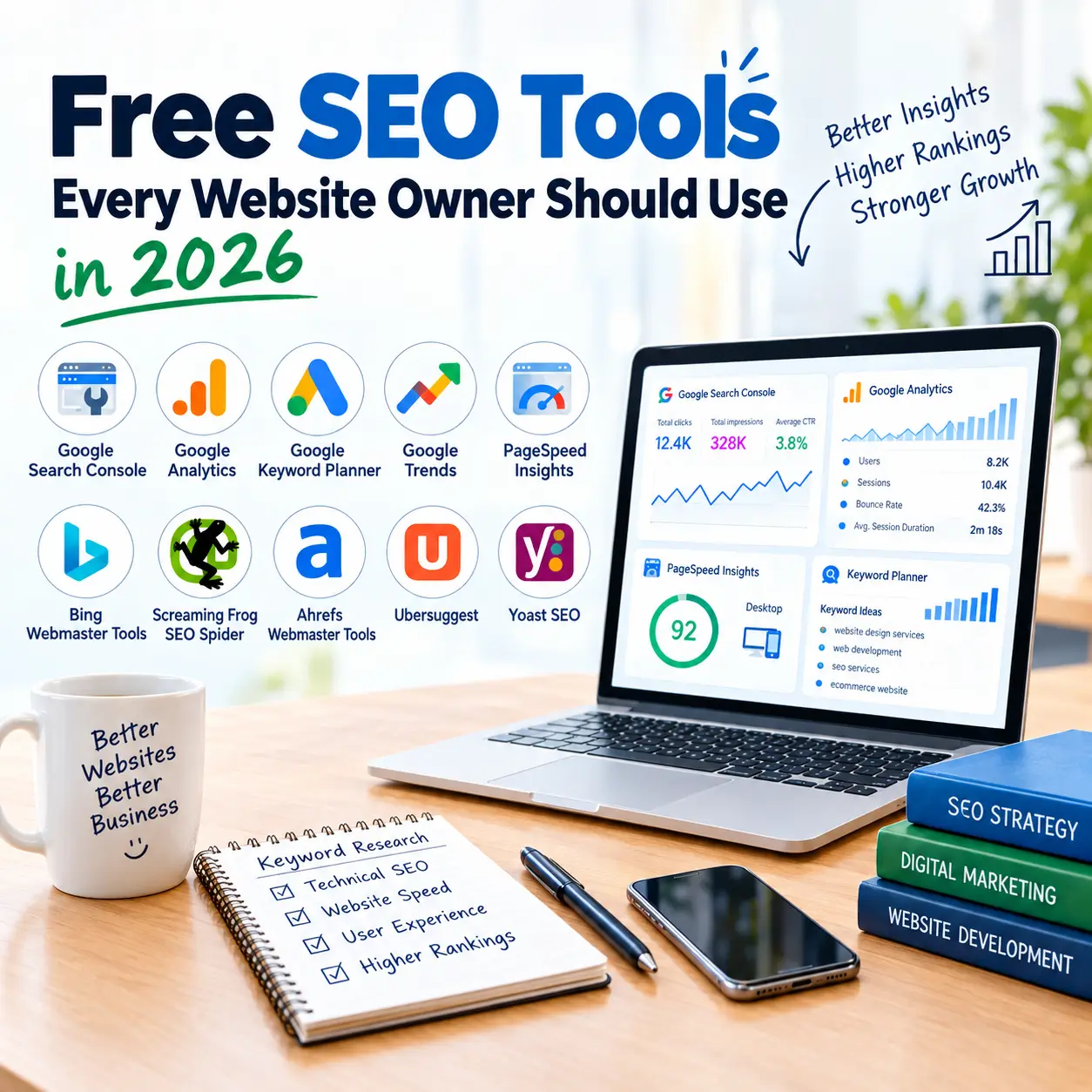
Free SEO Tools Every Website Owner Should Use
To manage SEO properly, just adding keywords is not enough. Website owners also need to see how their website is performing in Google Search, which pages are indexed, what visitors are looking at, and how the website's speed is. Many free SEO tools are available for this.
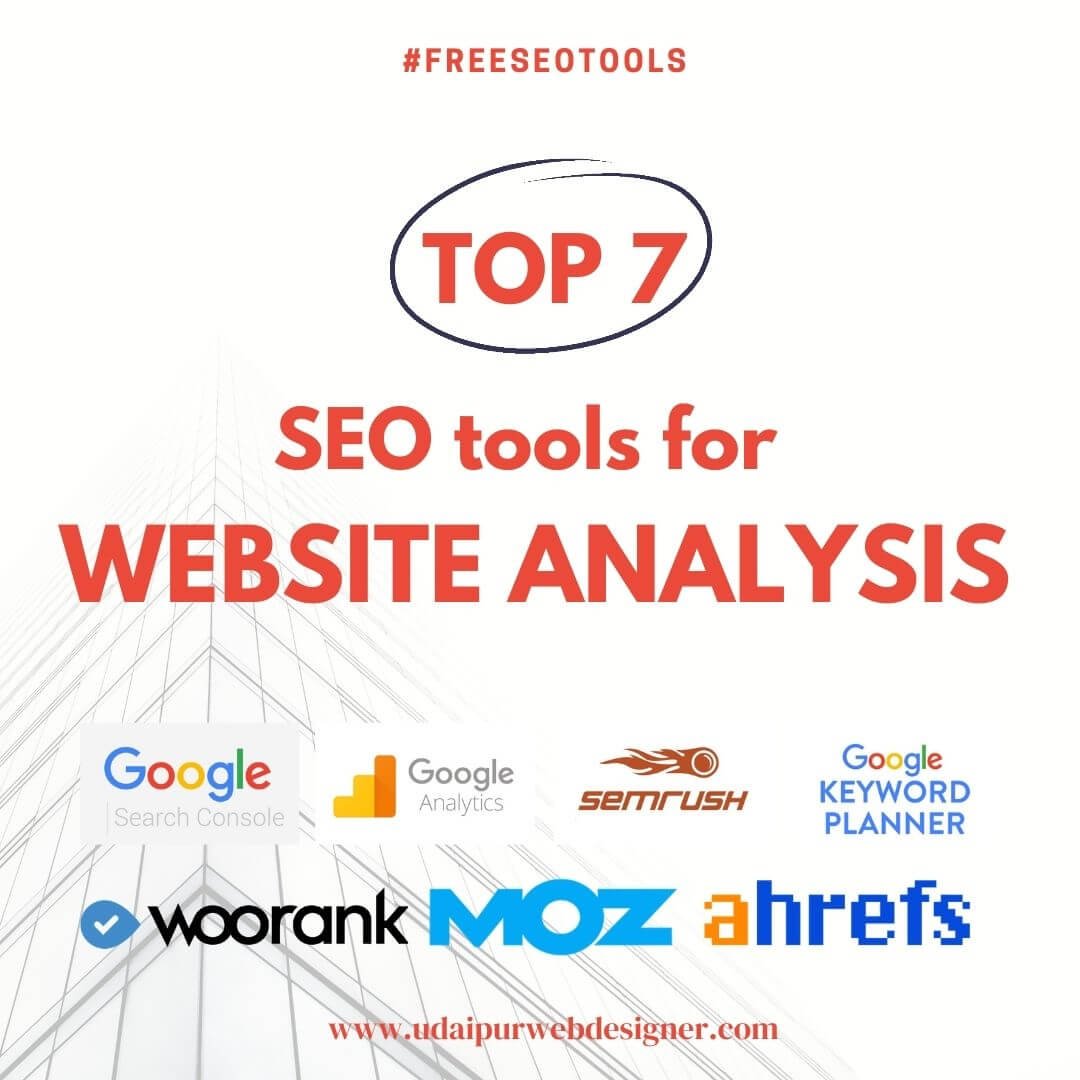
Today, SEO is not just a game of rankings. Instead, good content, a good user experience, technical health, and a clear website structure all together determine whether your site will move forward or lag behind. The right tools help website owners understand data and make practical improvements. Given below are the tools that should be in every website owner's toolkit.
1. Google Search Console
Google Search Console is a useful, free SEO tool for every website owner. Search Console tells you how Google views your site which pages are correctly indexed, where issues are occurring, and which search queries people are using to reach your site.
With this, you can check:
- Search clicks and impressions
- Which keywords are bringing in traffic
- Indexing status of pages
- Sitemaps and indexing issues
- Core Web Vitals reports
If an important page is not showing up on Google, go here first to check its indexing status. Most of the answers are found right here.
2. Google Analytics
Search Console tells you how people reached your site, whereas Google Analytics tells you what they did after reaching the website where the traffic is coming from, which pages are being viewed the most, and how long people stay. All of this can be found here.
From this, you can know:
- Website traffic sources
- Popular landing pages
- User engagement
- Important events and conversion
By viewing Analytics data along with Search Console, search traffic and user behavior can be understood in a better way.
3. Google Keyword Planner
Choosing the right keywords is the basis for a good SEO strategy. Google Keyword Planner is a useful free keyword research tool through which keyword ideas related to business and content can be found.
With this, you can do the following:
- Find new keyword ideas
- View related search terms
- Estimate search demand
- Plan content topics
Do not choose a keyword just by looking at high search volume. It is more important to see how well that keyword aligns with your business. For example if someone provides web design services in Udaipur, then service pages and blogs can be planned accordingly by finding related keywords.
4. Google Trends
If you want to know whether interest in a topic is increasing or decreasing, Google Trends is the easiest way. This is very useful for content planning and identifying seasonal topics.
With this, you can:
- Compare two keywords with each other.
- Catch trending topics.
- Understanding seasonal search patterns.
- Finding new content ideas.
5. Google PageSpeed Insights
The speed of a website’s load time is an important part of user satisfaction. Google PageSpeed Insights is used to check the performance of a webpage on mobile and desktop.
It provides information on:
- Page performance.
- Core Web Vitals.
- Loading-related issues.
- Performance improvement suggestions.
Instead of just trying to get a score of 100 first fix those problems that are actually affecting the experience of real visitors.
6. Bing Webmaster Tools
Bing Webmaster Tools is useful for monitoring a website's Bing Search performance. It includes search performance, sitemaps and website diagnostic tools.
Features that are useful:
- Search performance reports.
- Sitemap management.
- Website diagnostics.
- Search visibility insights.
If you want to track visibility on search platforms other than Google as well, this helps a lot.
7. Screaming Frog SEO Spider
When it comes to technical SEO, Screaming Frog is a trusted name. It crawls the whole site and finds technical and on-page issues.
It can identify:
- Broken links
- Missing page titles
- Meta description issues
- Redirects
- Duplicate content elements
Its free version is sufficient for small websites to conduct a basic technical audit.
8. Ahrefs Webmaster Tools
Ahrefs Webmaster Tools provides information about technical SEO and backlinks for free. Many useful reports open up after verifying the website.
You can see:
- Technical SEO issues.
- Website health.
- Backlinks info.
- Sites to reference.
The quality and relevance of backlinks are more important than the number of backlinks.
9. Ubersuggest
If you are new to SEO, Ubersuggest is a good tool to start with. Keyword ideas, related topics, and basic SEO data can be found easily.
Use it for:
- Keyword ideas
- Finding related topics
- Content planning
- Basic SEO research
The free version has usage limits, so it is wise to use it in combination with other keyword tools.
10. Yoast SEO
If you are running a website on WordPress, then you must check out the Yoast SEO plugin. It makes things like SEO titles, meta descriptions, XML sitemaps, and daily on-page optimization very easy.
For those working on Website Development Services, SEO-friendly design, or WordPress, it simplifies daily content optimization significantly.
Conclusion
Free SEO Tools for Website Owners in 2026 are an easy way to understand website performance and improve your SEO strategy. From keyword research to technical SEO, website speed, and search performance, these tools help in understanding and improving the different needs of a website
But work is not completed just by using tools. The real difference is made when the website is fast. It is also important that the website runs properly on mobile. The website should be easy for people to use. If you need help with web design or web development, let's talk. Help is also available for SEO, WordPress, E-commerce, or software development. You can contact 'Udaipur Web Designer'. State your needs and find the right solution.
At Udaipur Web Designer, we provide Web Design and Development services in Udaipur and create modern, responsive, and SEO-friendly websites for businesses. Being the best web design company in Udaipur, our services include Web Design, Web Development, WordPress, Ecommerce, SEO & Marketing, UI/UX Design, and Software Development